I did not receive an activation message from Atlassian, but I did receive a personalized confirmation email
Check your junk mail inbox to see if the activation email ended up there. If you did receive a personal confirmation email from us, you can use the URLs in the emails to access the environment. For the first login, go through the login process.
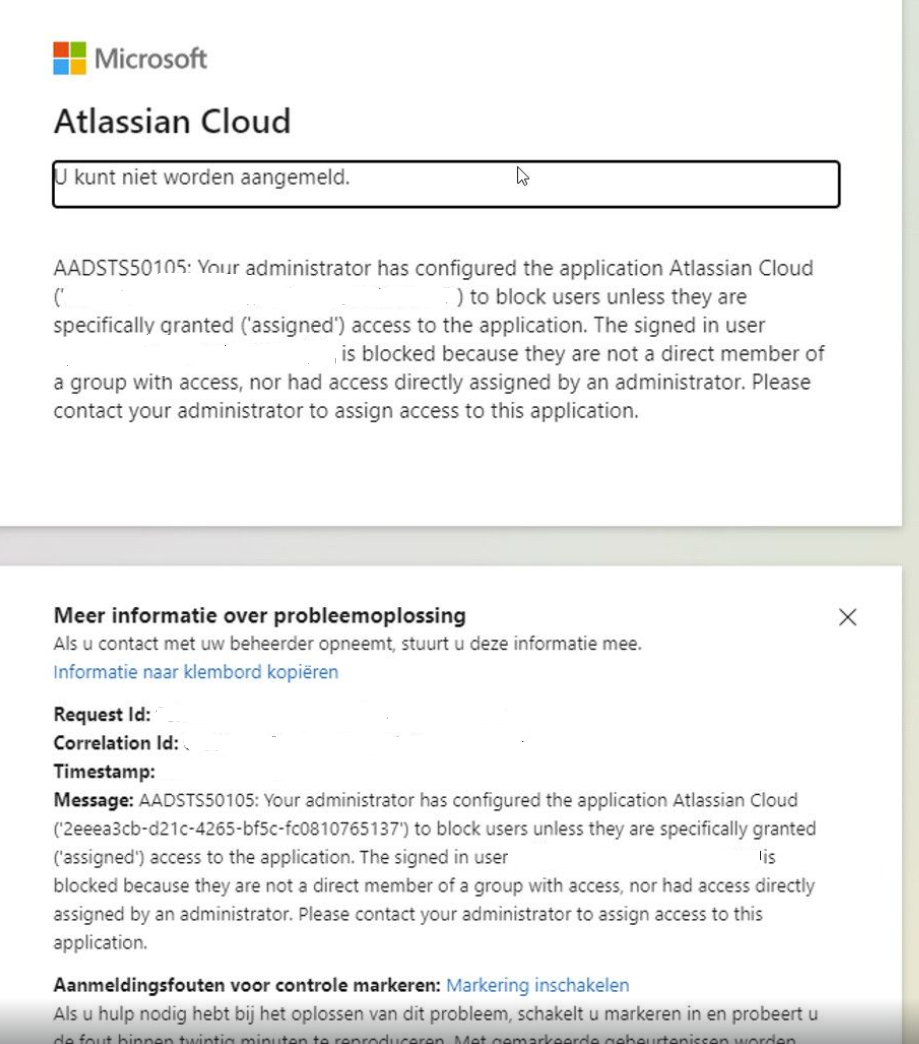
As a user, I receive the following message and I am unable to log in.
This error is caused, because the user is part of a business management profile of the customer organization. The user does not have sufficient permissions from his own customer organization to visit another party's Atlassian domain. This should be taken care of by the customer organization's Microsoft AD admin. The user can contact his ORG administrator for this, but keep in mind the restriction on JSM. If this managed user becomes a guest, he will also be counted as part of the access billing ring in his ORG. or they can move the user to a non-billable policy using document in second url, but that is up to the user's ORG administrator.