In the email confirmation you will receive from us a specific URL for your own customer Self Service portal.
With this access, you can view the registered requests within your own organization and create tickets.
Wherever you are in the Self Service portal, you can always access an overview of the registered requests.
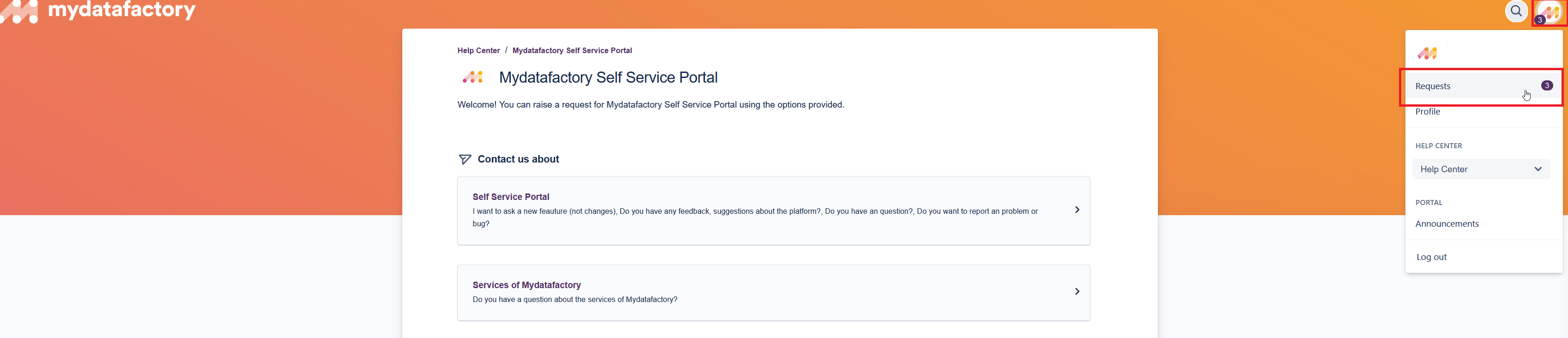
to do this, click on your own 'Avatar' in the top right corner and select [Requests].
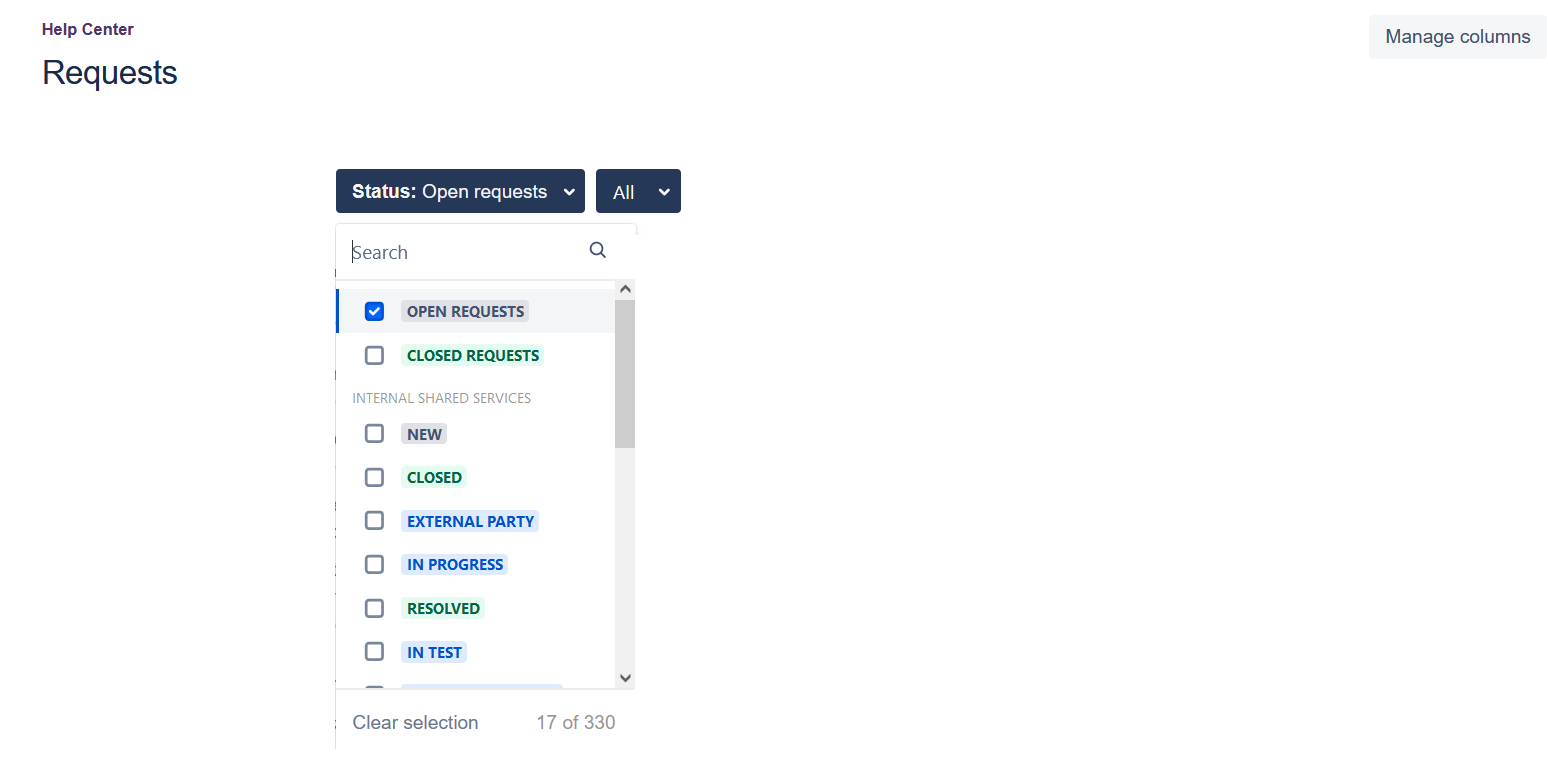
Through the filter 'Status' you can specify on what basis you want to see tickets.
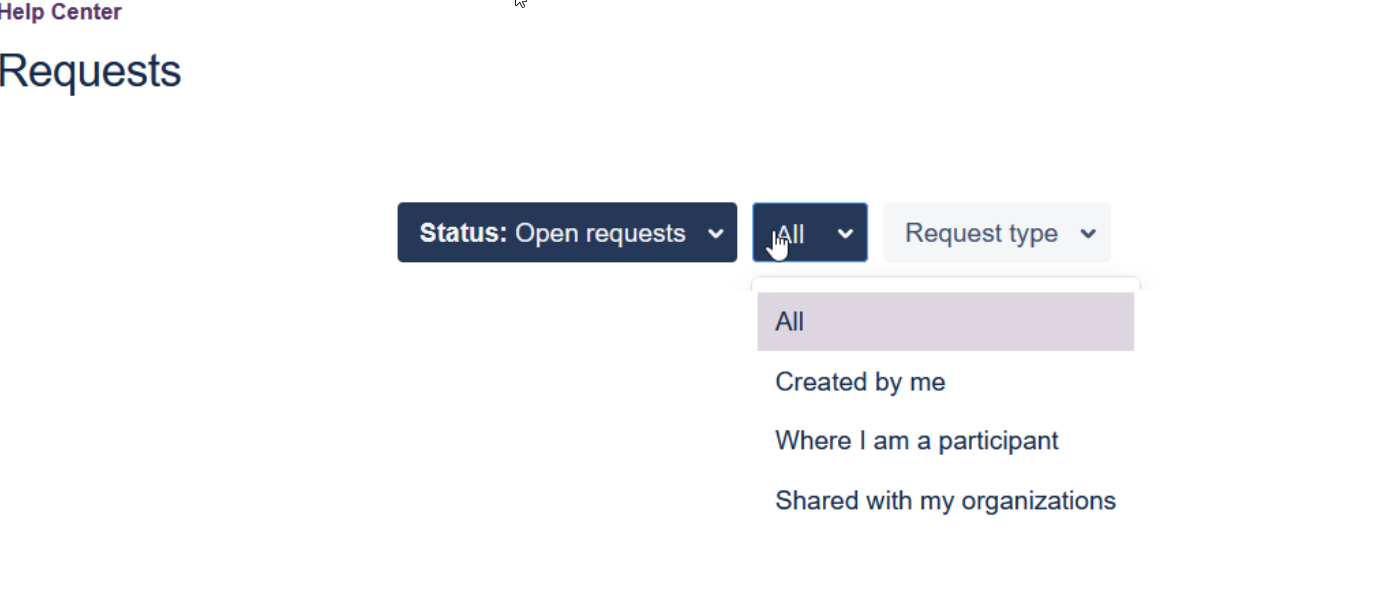
Through the filter 'All' you can select from whom you want to see the tickets:
|
From whom |
Meaning |
|---|---|
|
Created by me |
Tickets created by you |
|
In which I collaborate |
Tickets in which you collaborate with others |
|
Shared with the organization |
Tickets created by others in your organization. |
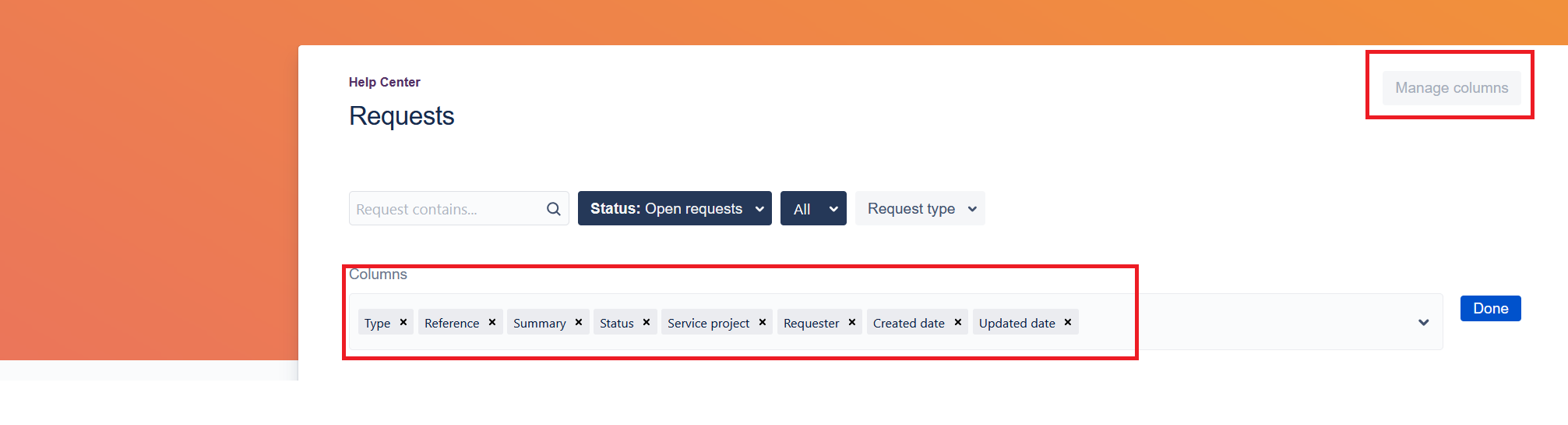
The "adjust column" button allows you to adjust the columns of information in the sorting list as you see fit.