Activation email message
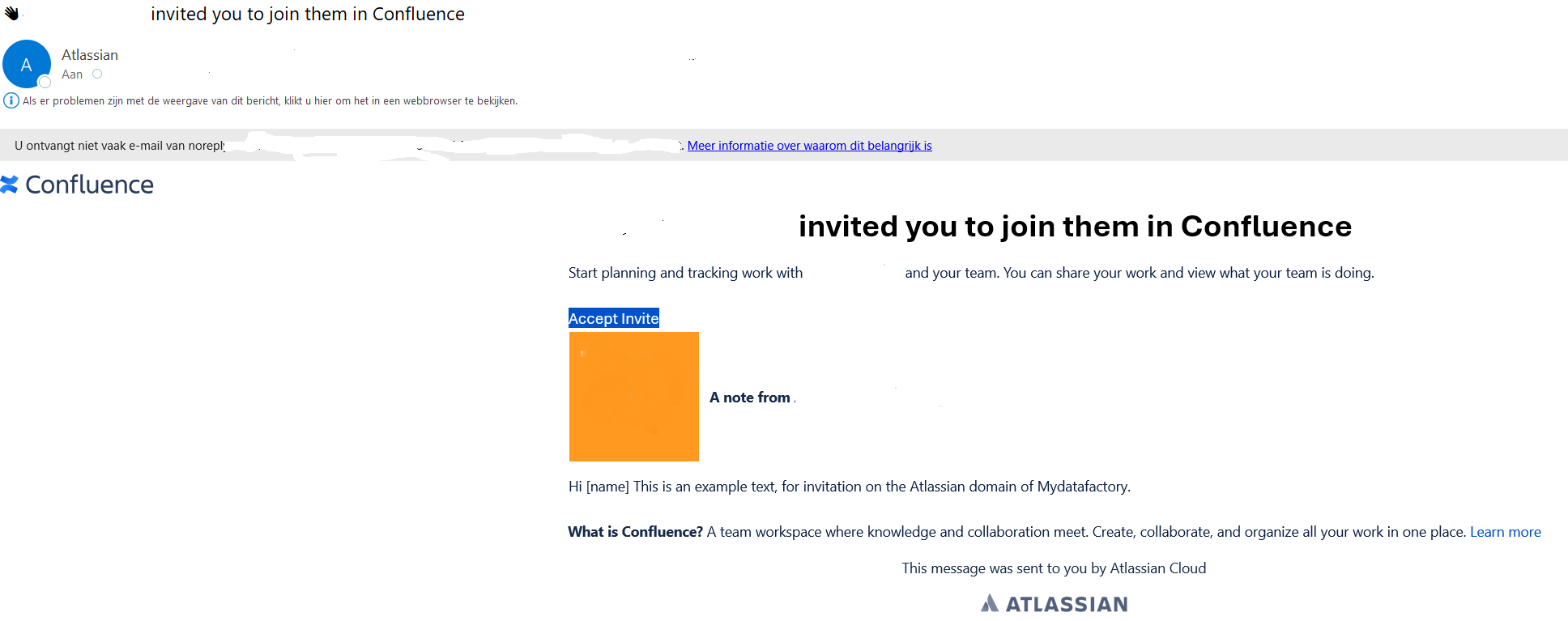
Customer users will receive an e-mail invitation to use the specific customer Self Service Portal upon request.
In the invitation email, click[Accept invite] to accept the invitation.
If you do not already have an Atlassian account, you will be prompted to create an account.
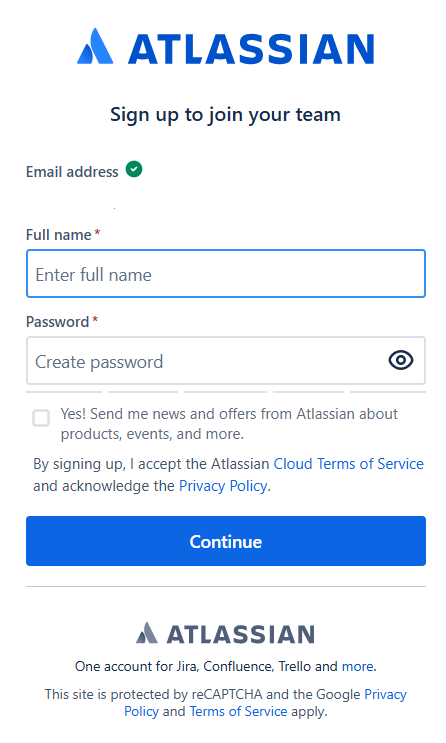
Once you have created a profile, you will be automatically redirected to Atlassian Confluence.
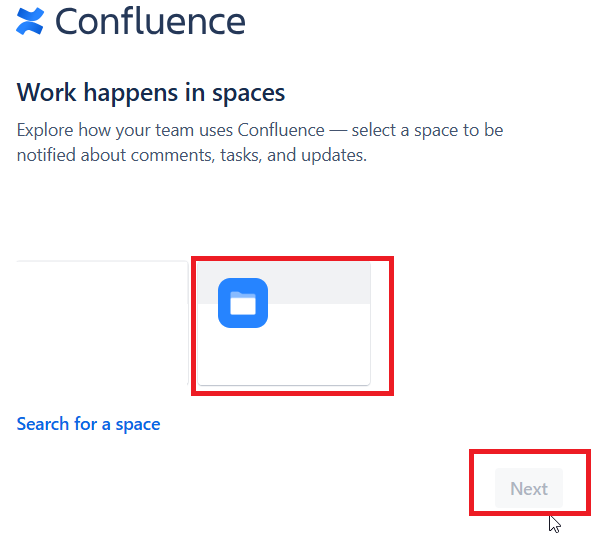
You may skip step 1.
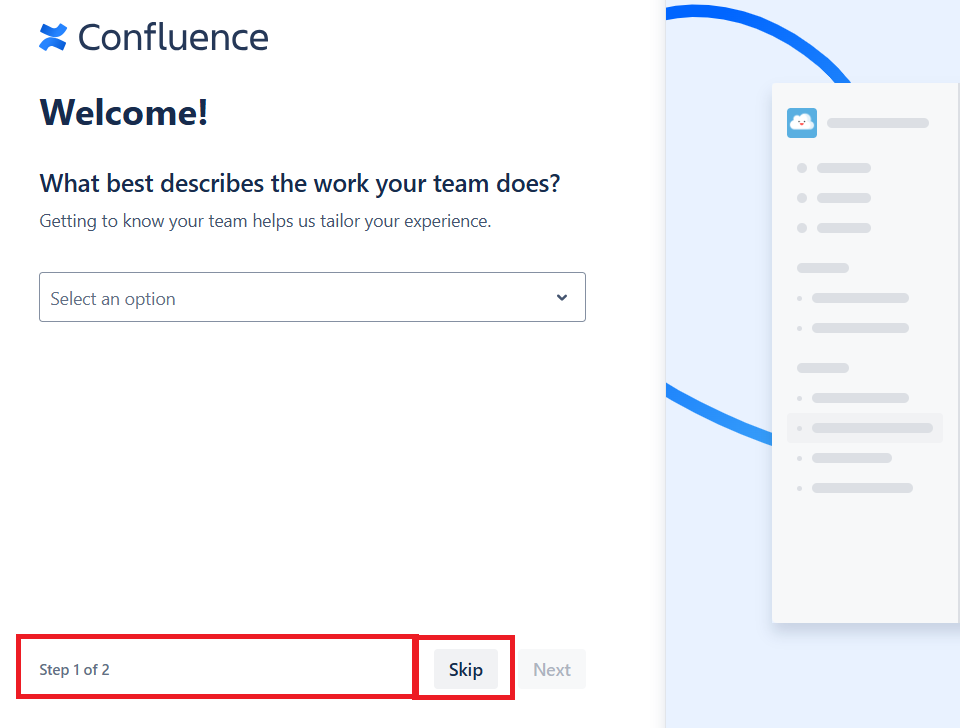
In step 2, you can go directly to the Space shared with you, or you can find it later in Confluence.
Set up two verification
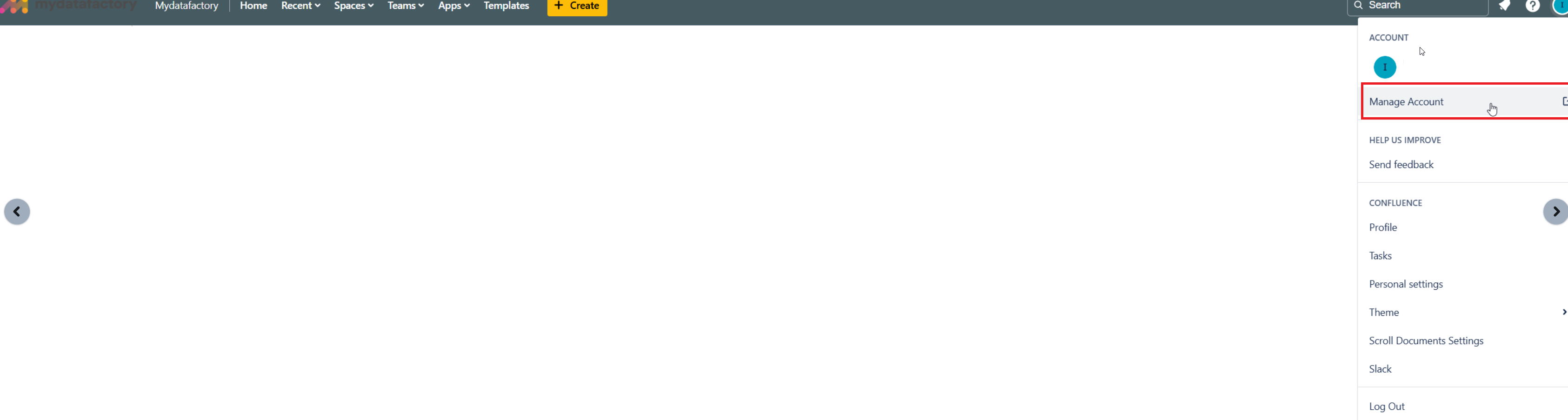
Once you are in your own Confluence environment, then we want to require you to set up 2FA.
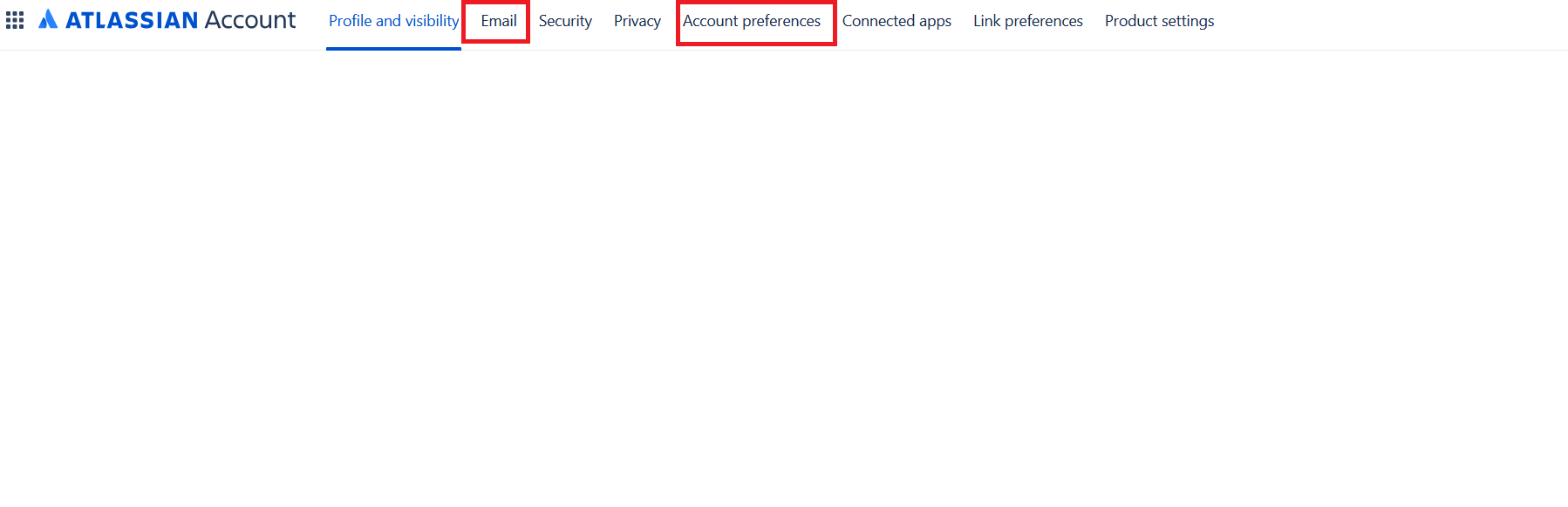
to do so, click on "Account settings"
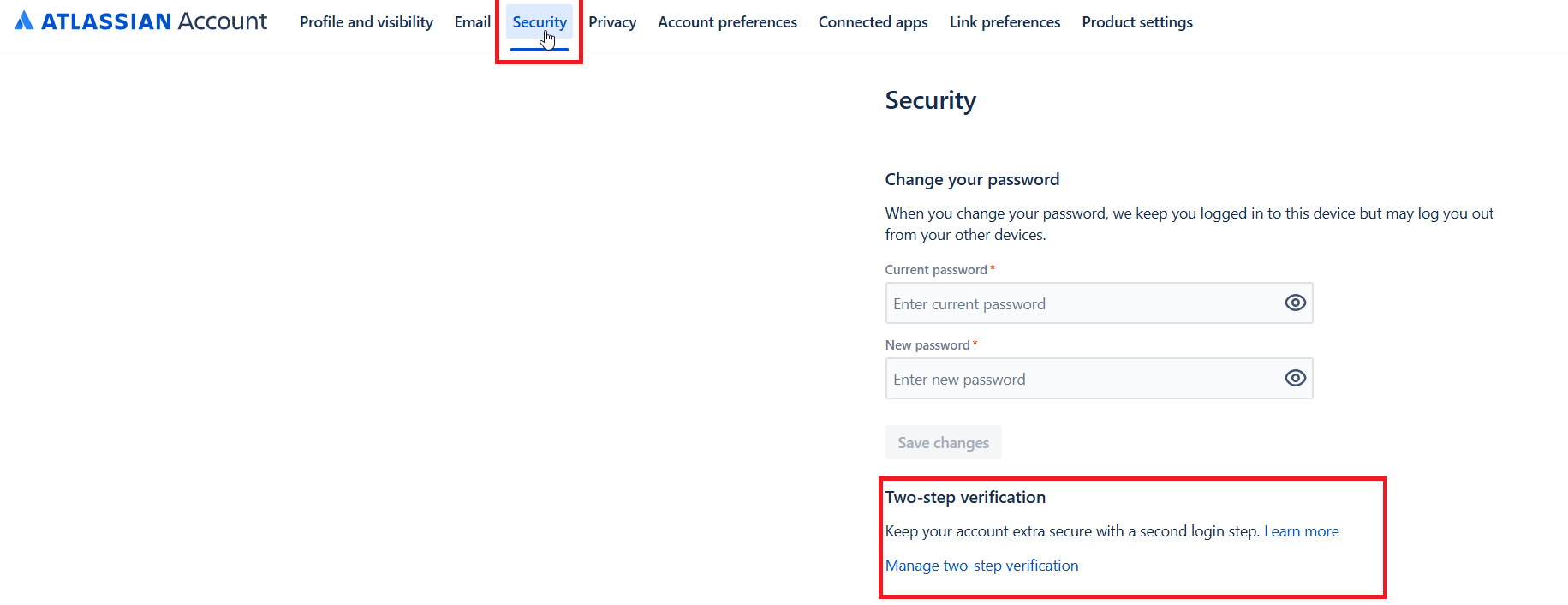
choose option "security" and follow the instruction "Two step verification"
Email message settings & Personal preferences
you can also set personal preferences such as 'language', time zone, and set when you want to receive email notifications on what activity on the confluence space. By default, all notifications is set to [on].